
Settings in Comparative Agility provide users with a centralized location to manage various aspects of their accounts, customize assessments, and regulate subscription details. This article offers a concise overview of the different components found within the Settings menu.
Contents
- Account Information
- App Management
- Capabilities
- Data Categorization
- Instances
- Integrations
- Logs
- Maturity Framework
- Team Members
- Recommendations
- Schedules
- Users
- Subscription
- Branding
- Survey
- Templates
Account Information
The Account Information section allows users to view and modify their personal details associated with their Comparative Agility account. This includes essential information, email address, and password. Users can update their profile information to ensure accurate account details.
To learn more about resetting your password, please visit our Help Center article How do I change or reset password?
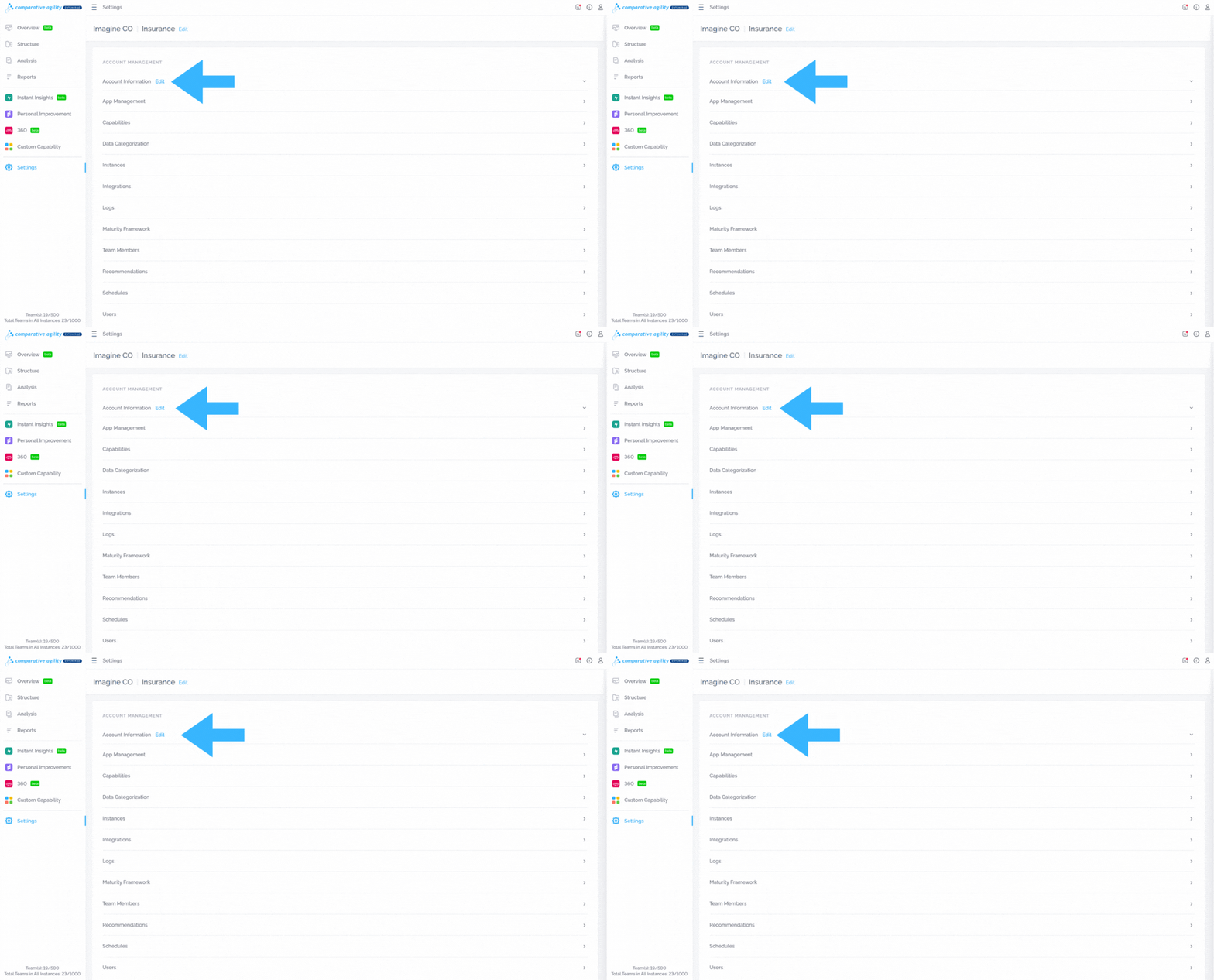
In the screenshot below we show you where to find account information
App Management
The App Management section manages access permissions at the instance level for all Comparative Agility Apps, as well as enabling some default options. Discover how to effectively use the world’s largest agile assessment tool and a dedicated module designed to support your growth.
To learn more about what you can do here, please visit our Help Center article App Management.
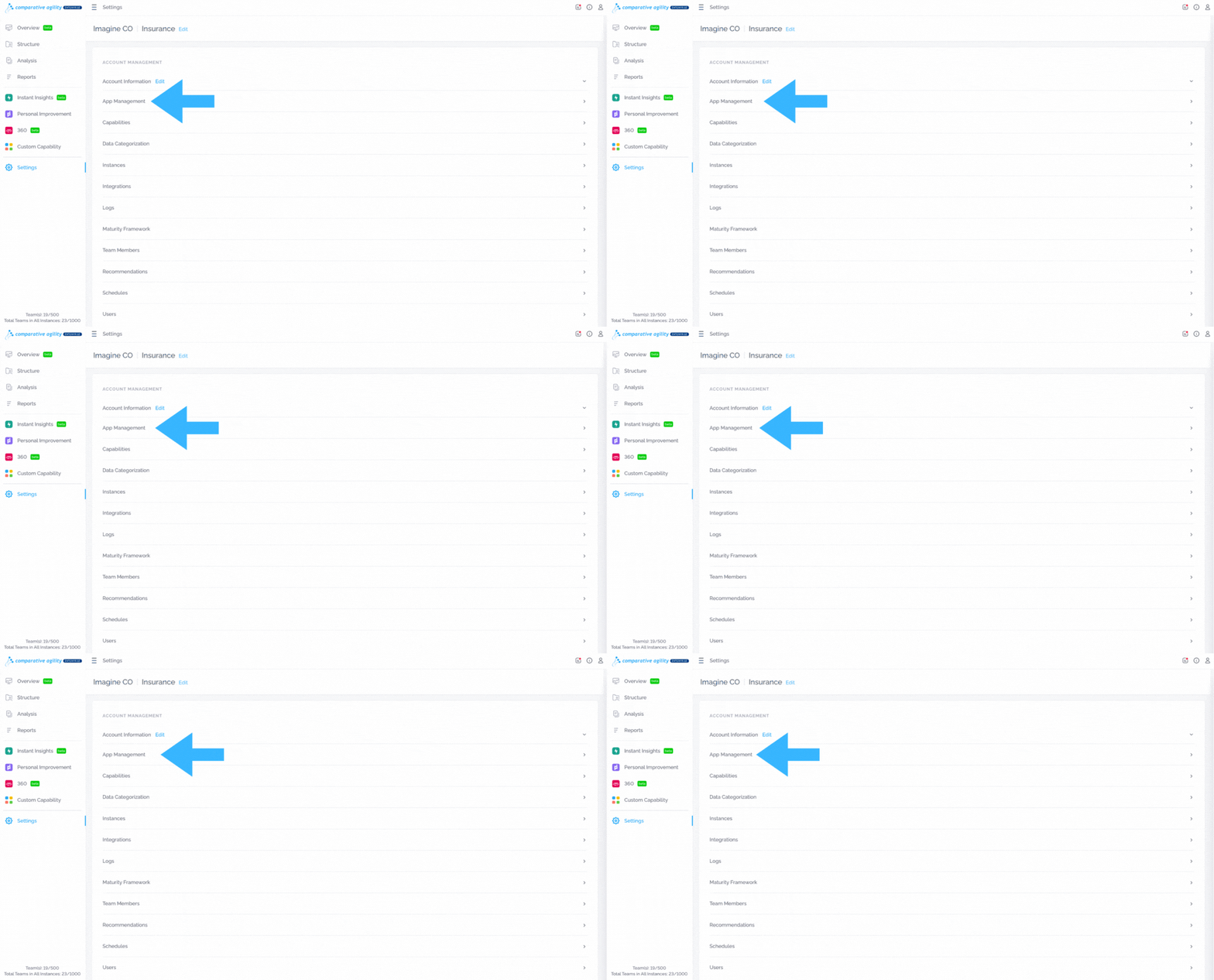
The screenshot below shows you where to find app management
Capabilities
Capability Management empowers users to tailor their assessment process by enabling or disabling specific capabilities. By accessing the Capability Management section, users can modify capability settings, select or deselect associated statements, and fine-tune assessments to align with their organizational needs.
To learn more about capabilities, please visit our Help Center article Managing Capabilities.
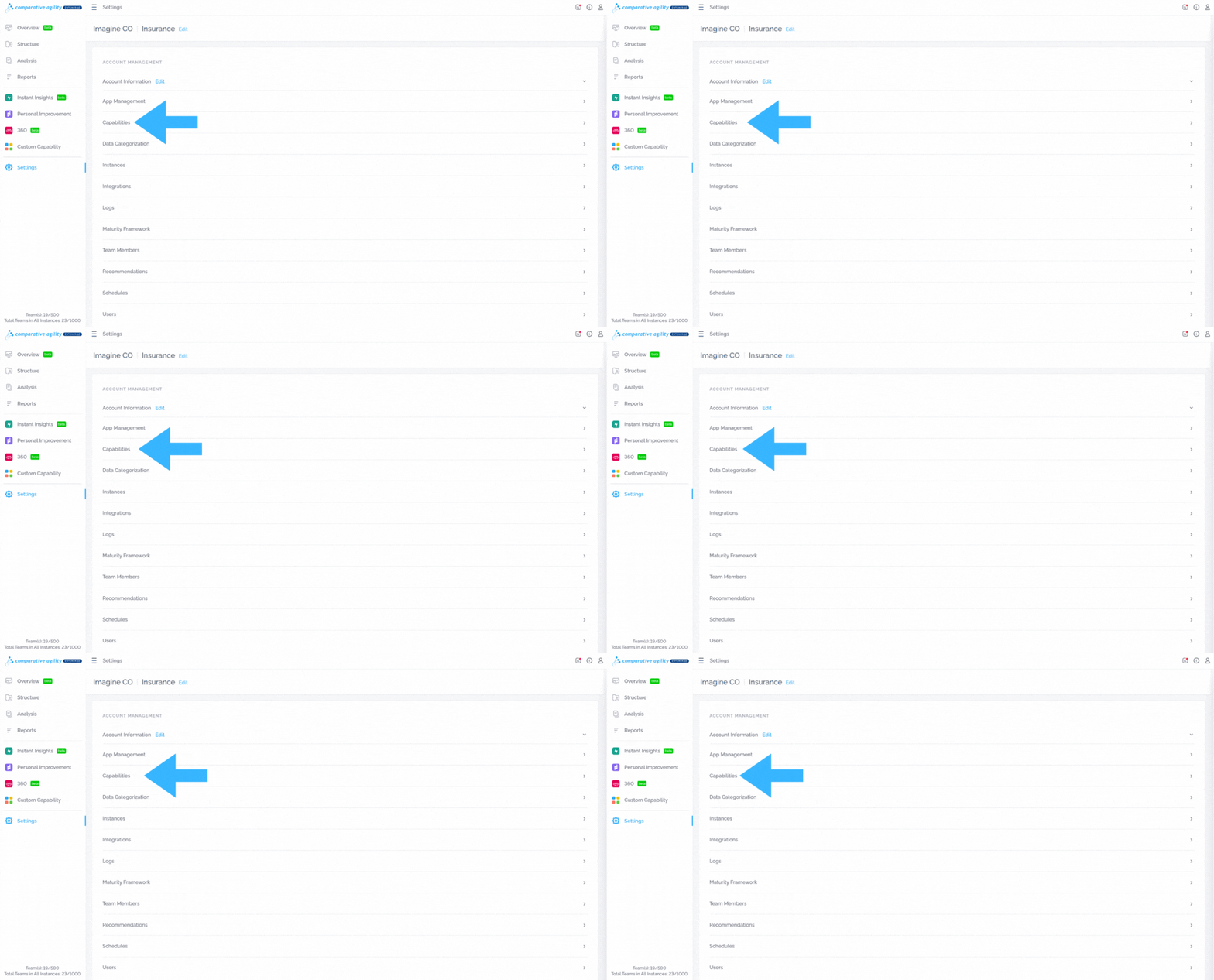
In the screenshot below we show you where to find capabilities
Data Categorization
The Categories allow survey creators to define categories like location, preference, or role when setting up a survey. Upon completion of the survey, the feature allows for the aggregation of data not just as a whole but segmented according to these categories. This means that survey creators can filter the results based on these categories to analyze how different groups of respondents answered the survey.
To learn more about data categories, please visit our Help Center article Creating and Managing Data Categories.
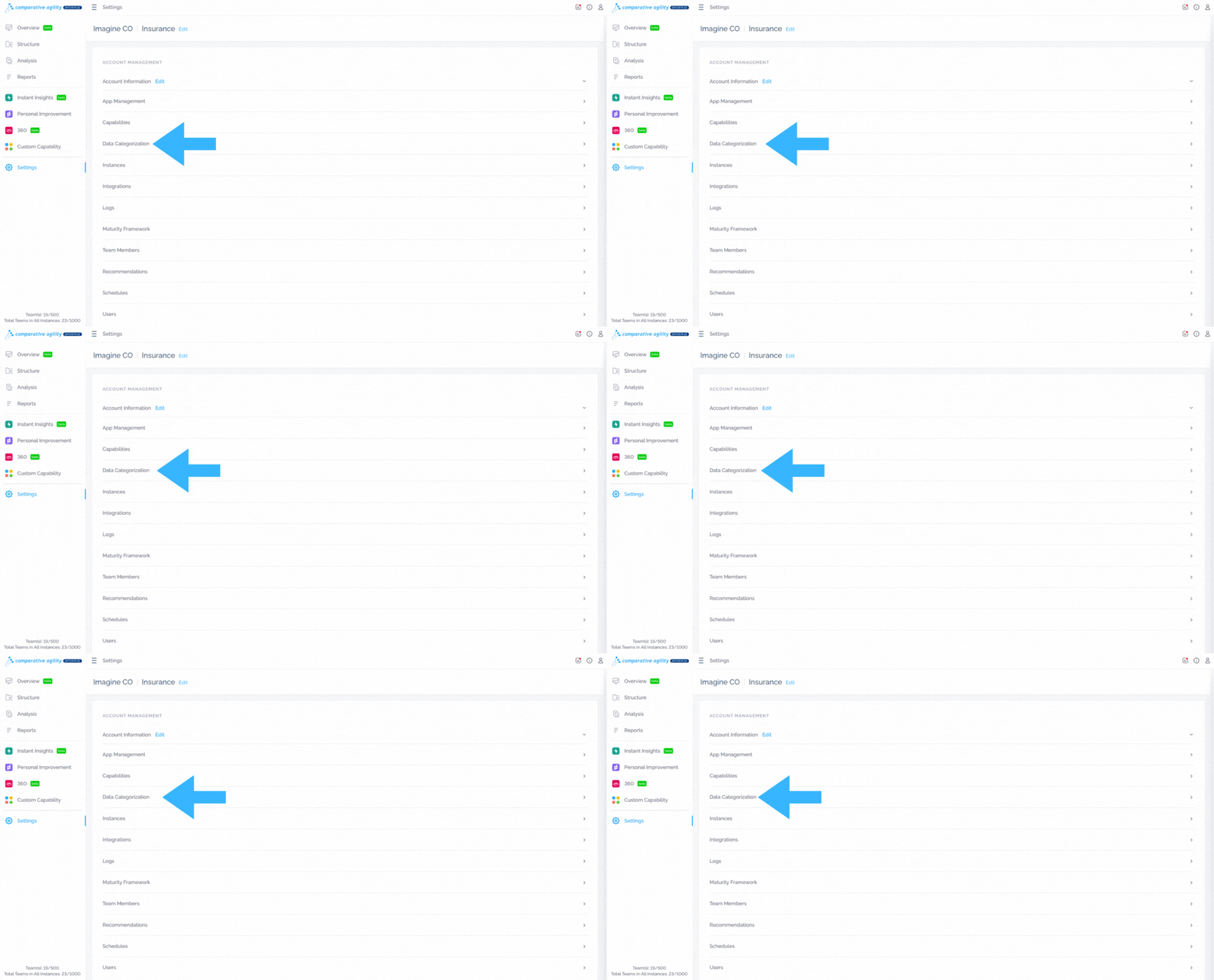
The screenshot below shows you where to find data categorization
Instances
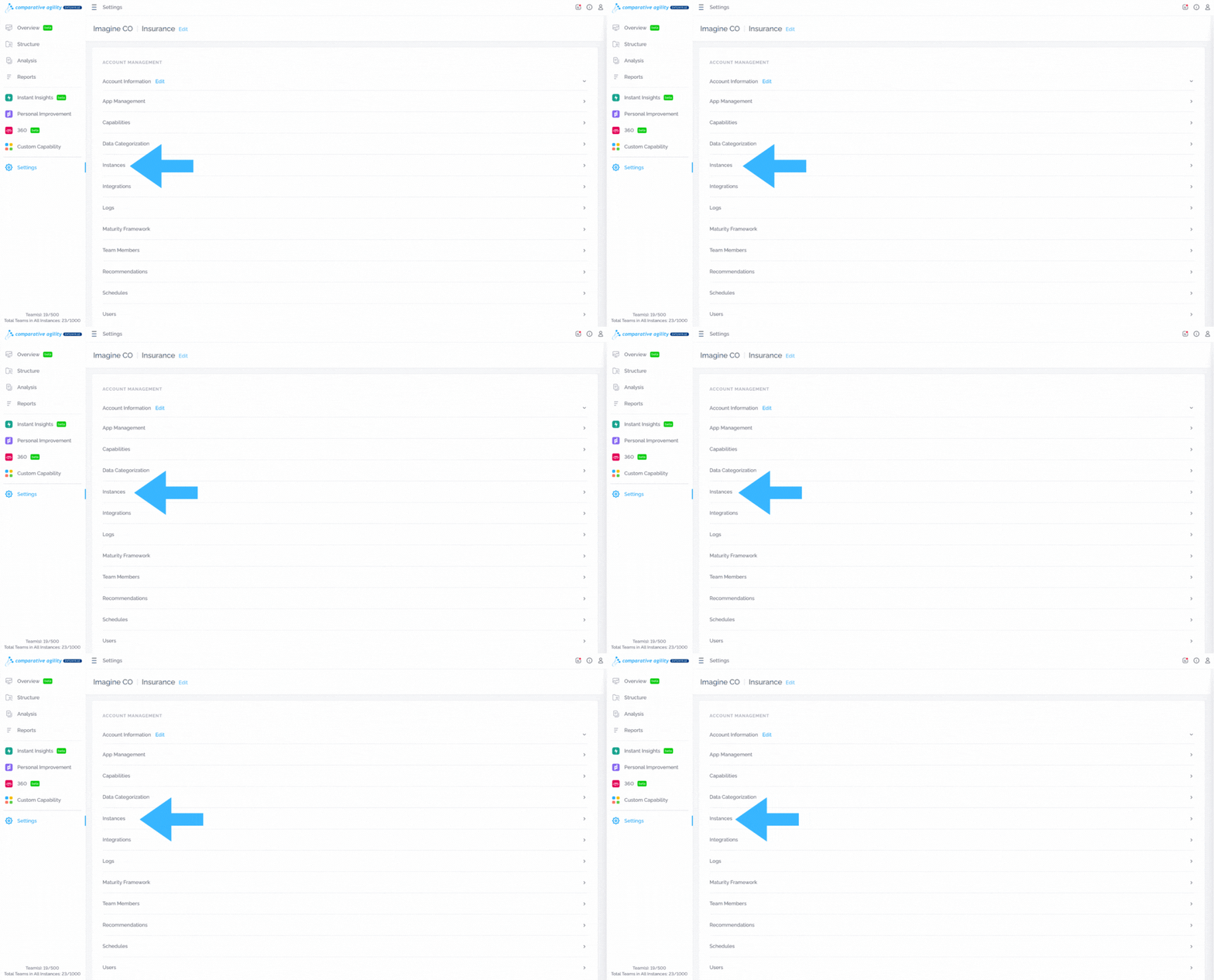
Instances are a way for large enterprises to support an appropriate separation of data access between different groups or subsidiaries while at the same time providing a global, enterprise perspective. This is very useful, especially for large enterprises, but also for smaller organizations to better manage the focus and data access for their teams.
To learn more about creating and managing instances, please visit our Help Center article How to create and manage instances?
The screenshot below shows you where to find instances
Integrations
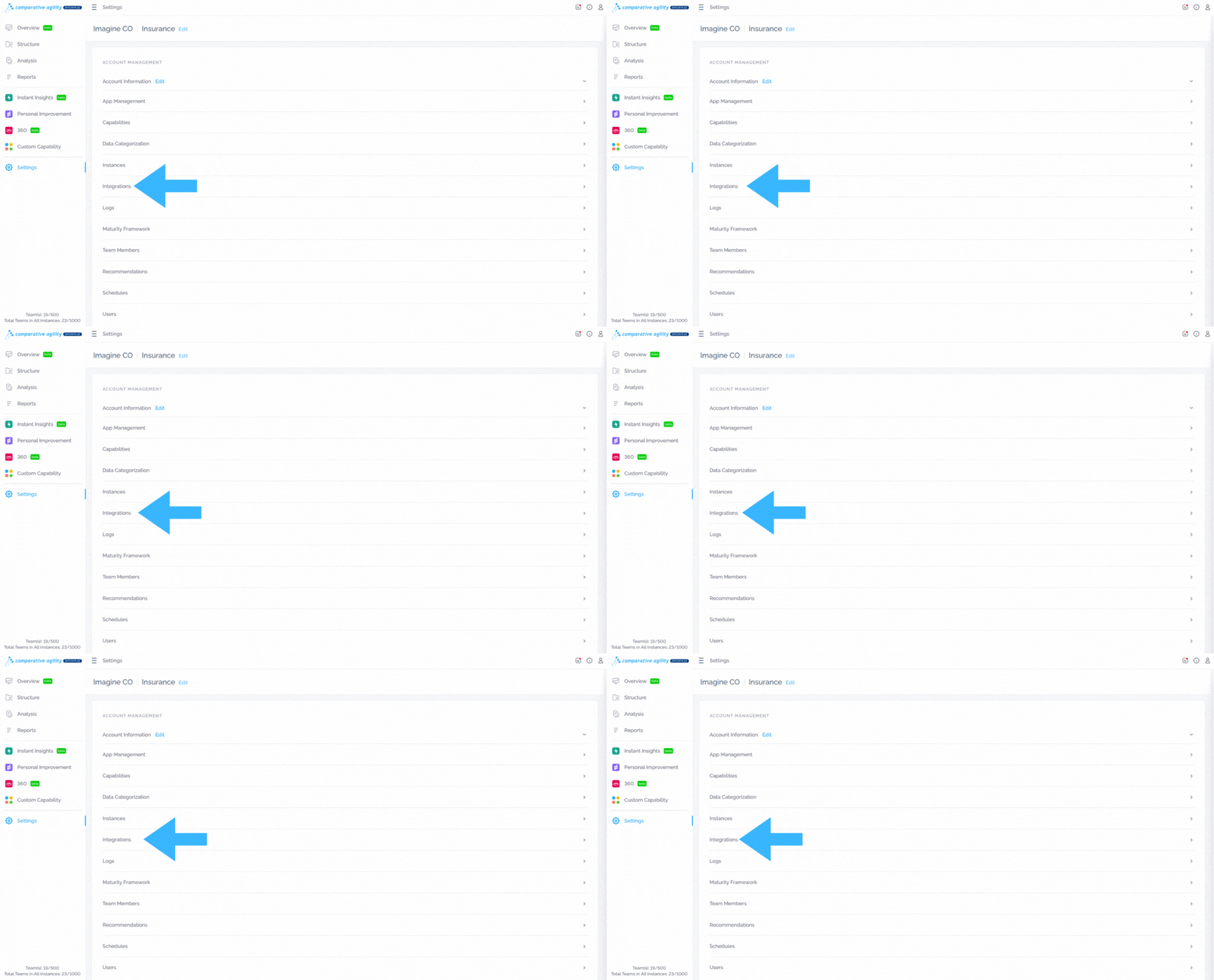
Comparative Agility offers integrations with other tools and platforms, enabling users to enhance their assessment workflows and data synchronization. This section provides options to configure and manage integrations with third-party systems such as Jira, ensuring smooth collaboration and data exchange.
To learn more about how to integrate Jira and Comparative Agility, please visit our Help Center article on Jira setup configuration.
In the screenshot below we show you where to find integrations
Logs
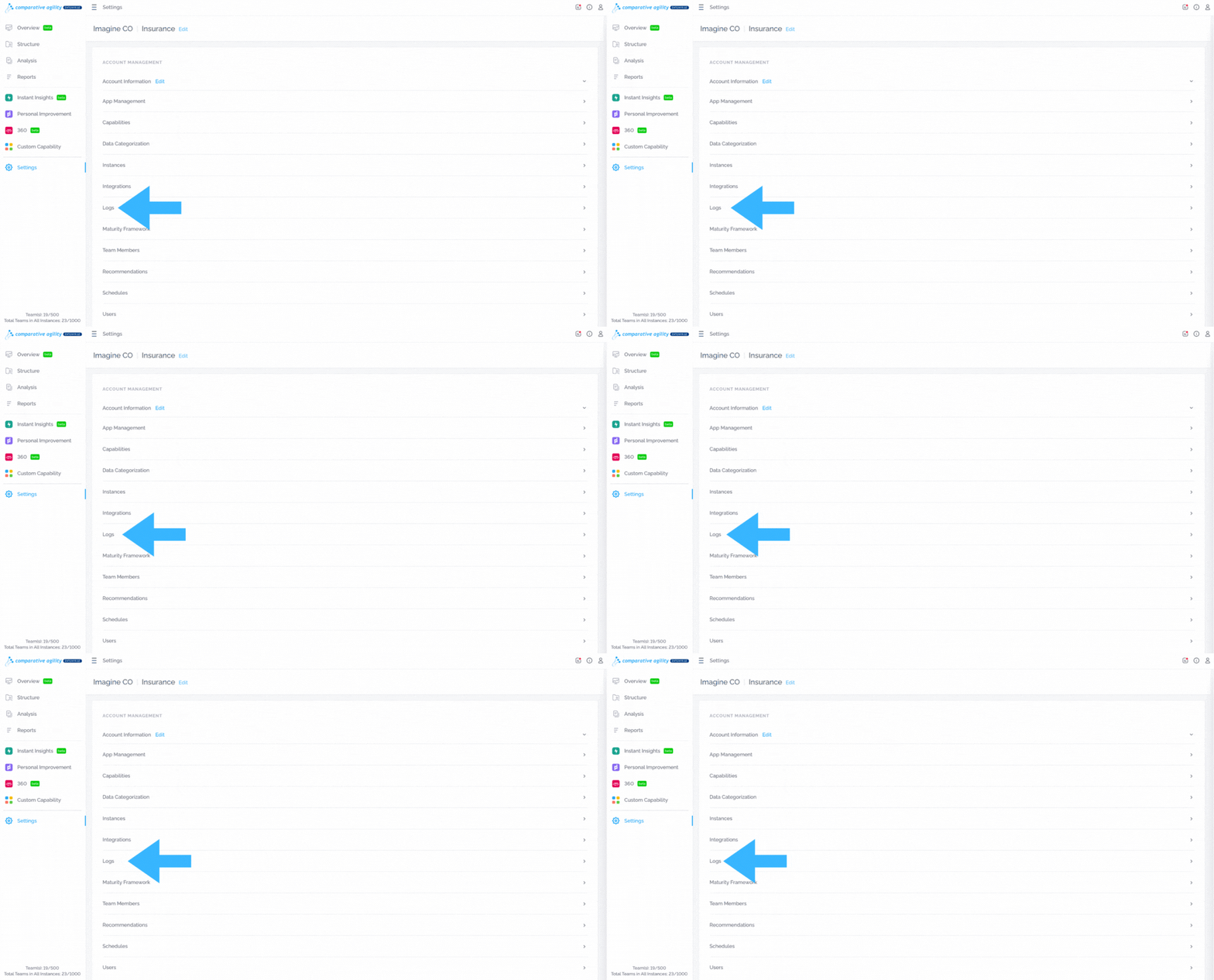
The Logs section in Settings provides users with access to activity logs related to their Comparative Agility account. By analyzing user actions, organizations can identify inefficiencies, streamline workflows, and optimize processes to enhance productivity and effectiveness.
To learn more about activity logs, please visit our Help Center article on Logs.
The screenshot below shows you where to find logs
Maturity Framework
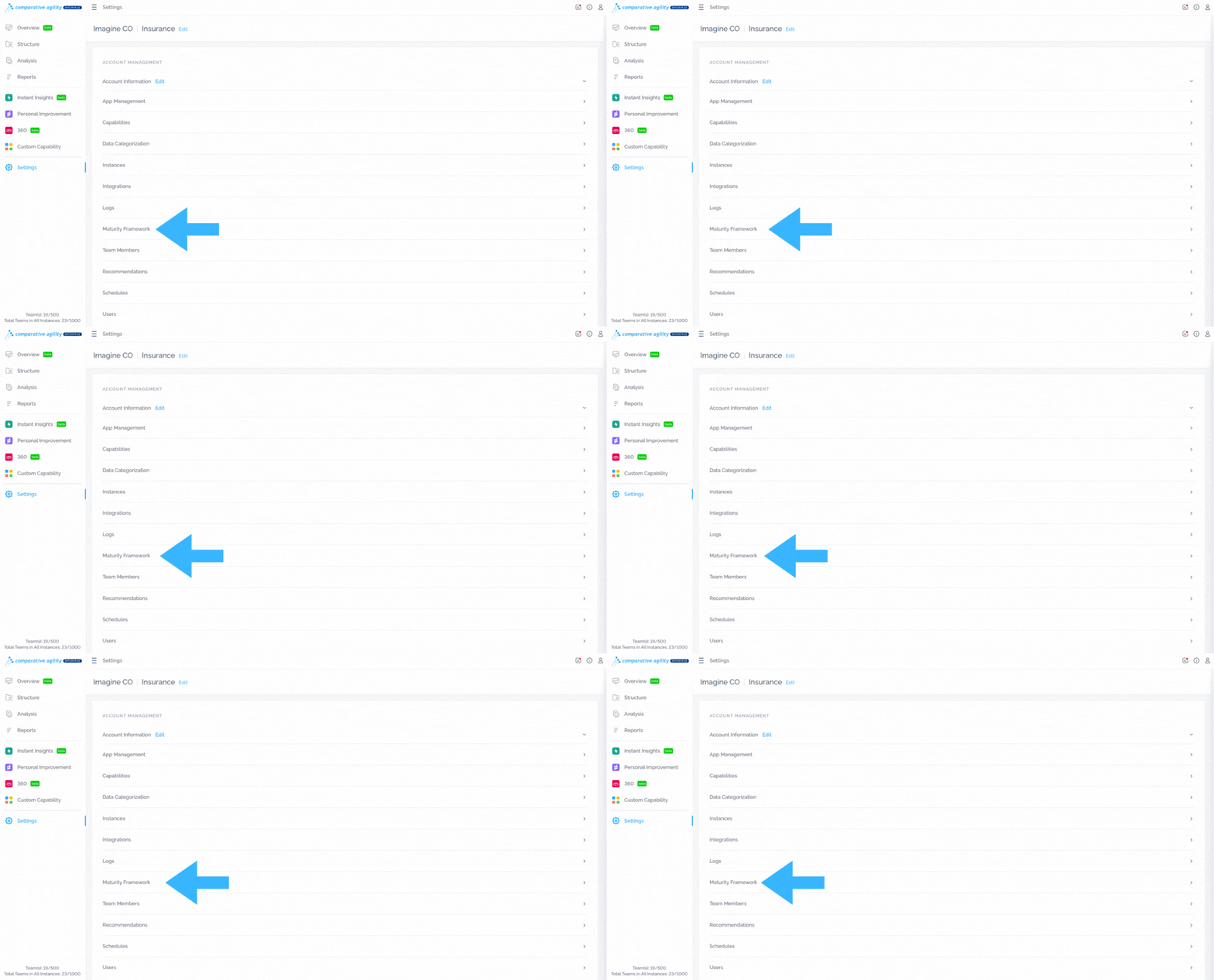
The maturity framework offers a structured approach to assess and track team progress. By defining and visualizing maturity levels, teams gain a clearer understanding of their capabilities and areas for improvement.
To learn more about this feature, please visit our Help Center article Maturity Framework.
In the screenshot below we show you where to find the maturity framework section
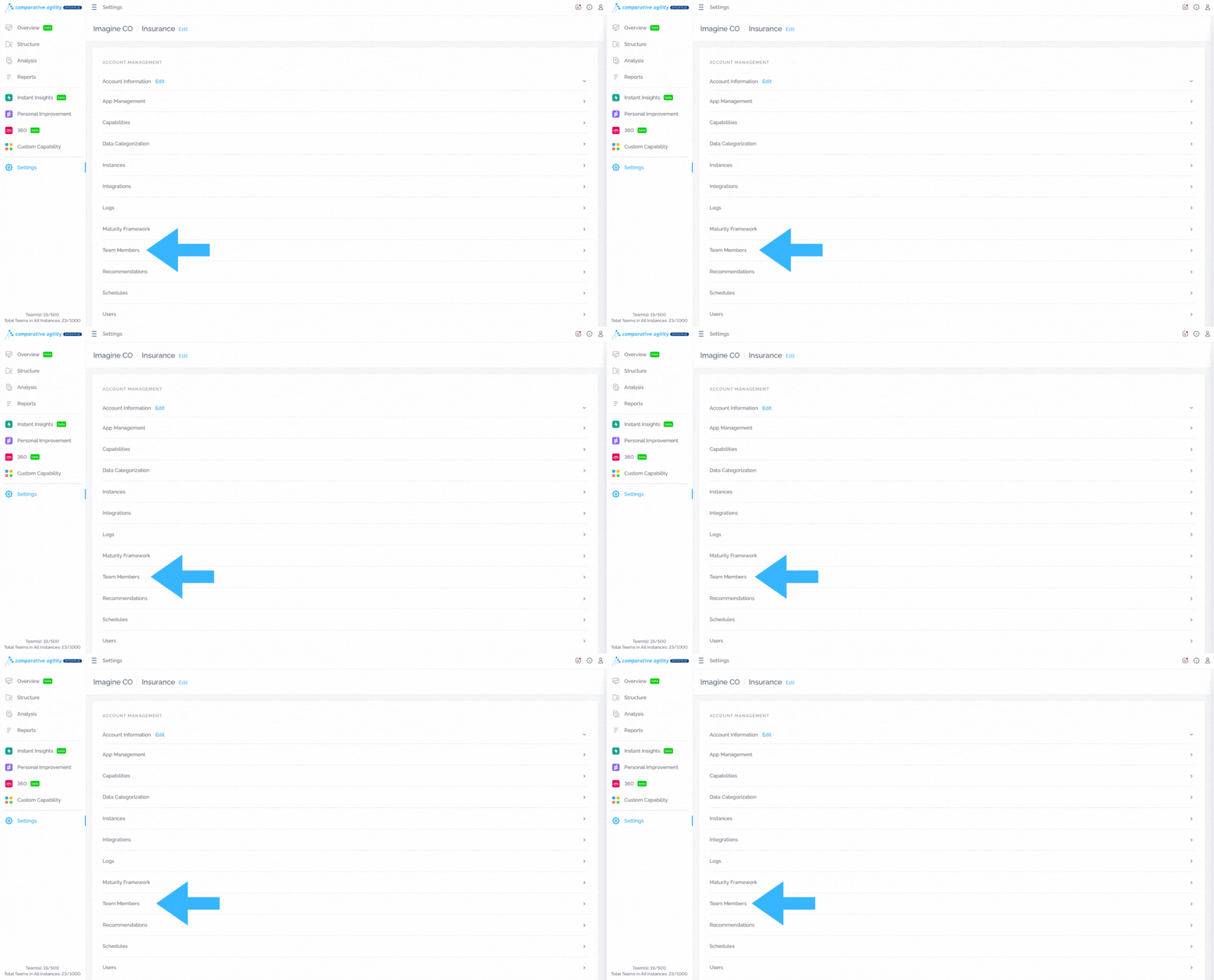
Team Members
The Team Member feature enhances team management by allowing you to move members between teams, assign them to multiple teams, or remove them as needed. It provides clear visibility into team compositions, ensuring efficient organization.
To learn more about the possibilities with the team members option, please visit our Help Center article Team Members.
The screenshot below shows you where to find team members
Recommendations
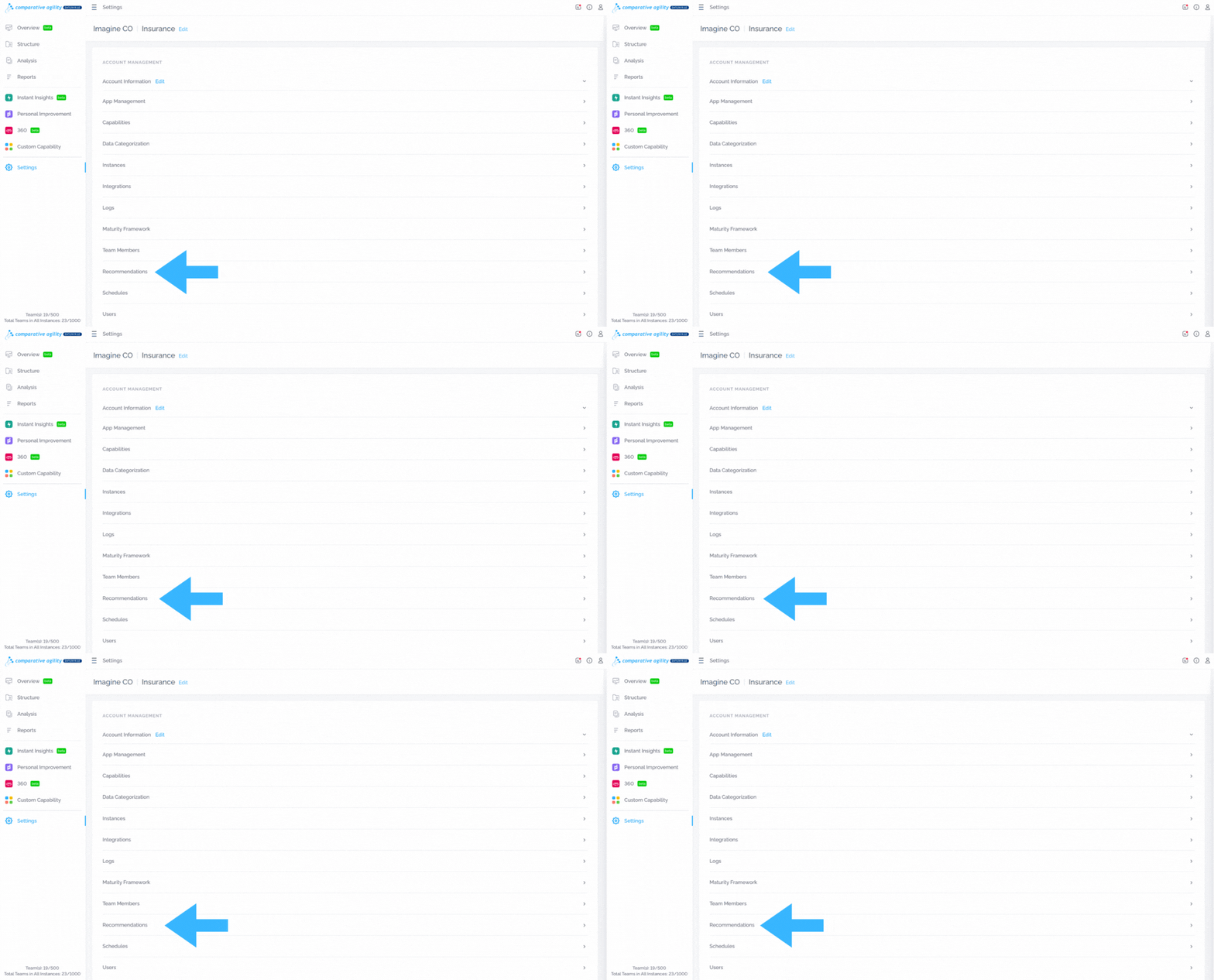
The recommendations feature provides valuable insights and suggestions to optimize assessment processes and improve outcomes.
To learn more about recommendations, please visit our Help Center article on Managing and Creating Recommendations.
In the screenshot below we show you where to find recommendations
Schedules
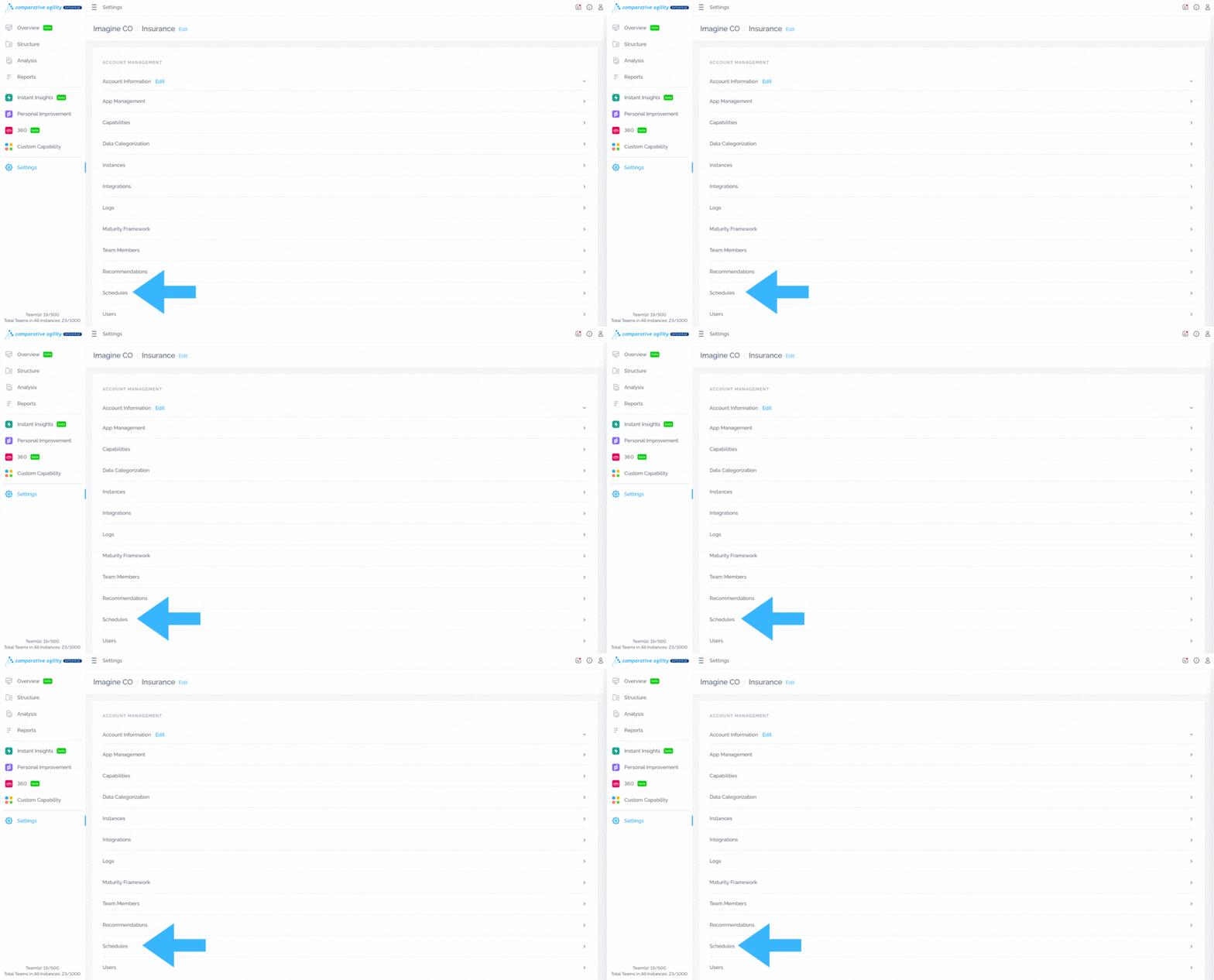
The Scheduling feature in Comparative Agility allows you to efficiently plan and manage surveys. Configure survey closures and reminders, use templates, and assign schedules to teams.
To learn more about scheduling, please visit our Help Center article Scheduling Surveys.
The screenshot below shows you where to find schedules
Users
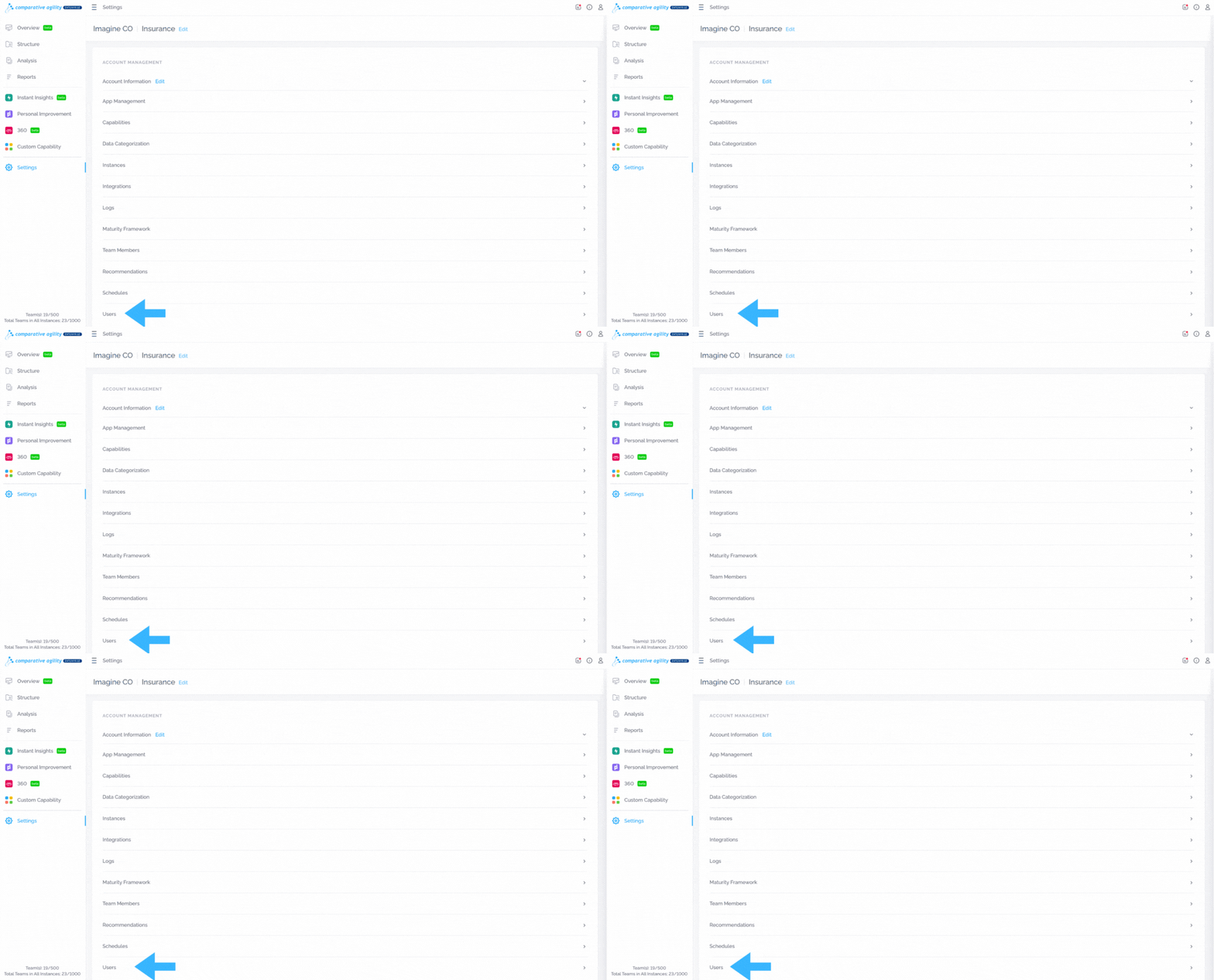
User Settings provides options to customize and manage individual preferences within Comparative Agility. Here is where you will find the options to invite users to your account, create and manage restrictions, and other options while inviting users like assigning filters or instances.
To learn more about adding users, please visit our Help Center article Add New Users.
In the screenshot below we show you where to find users
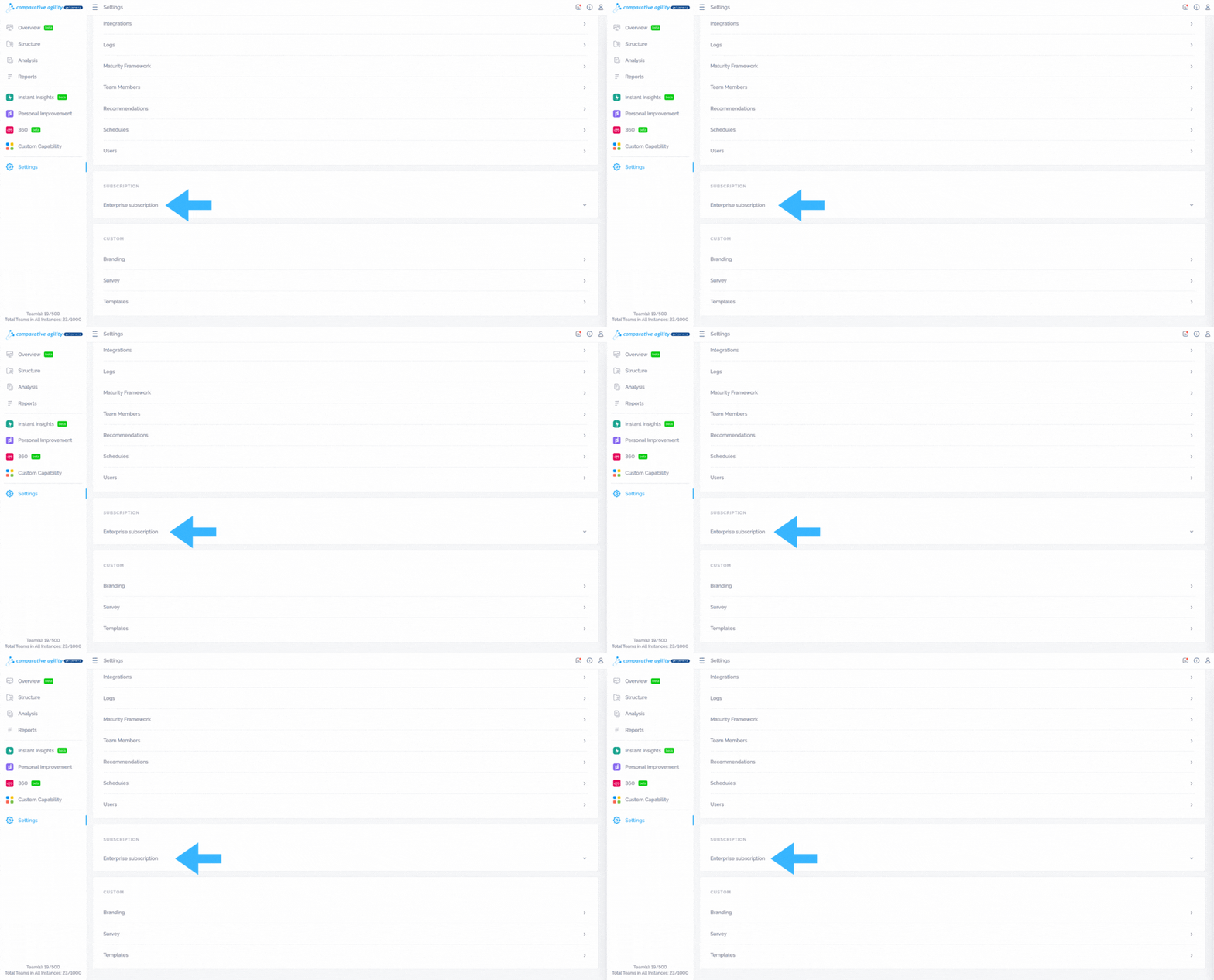
Subscription
Settings also serve as the hub for subscription management. Users can regulate their subscription details. This ensures seamless access to the required features and services based on the chosen subscription plan.
To learn more about subscriptions, please visit our website Pricing.
Note: You can always reach us at support@comparativeagility.com with any questions regarding payment or subscription.
The screenshot below shows you where to find the subscription
Branding
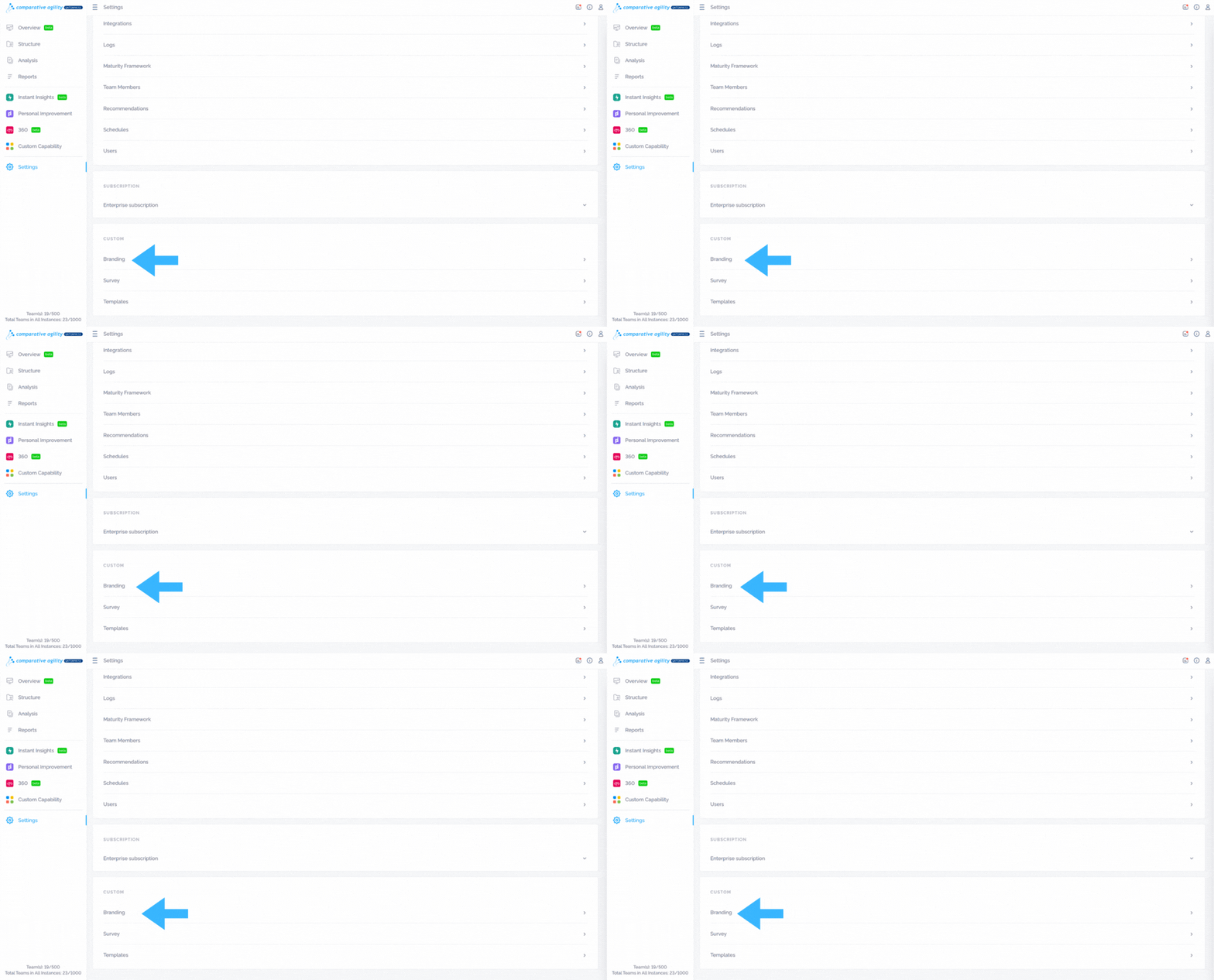
With this feature, you can customize survey branding in Comparative Agility. By adjusting branding elements, you can create a tailored survey experience that reflects your company’s identity.
To learn more about branding, please visit our Help Center article Changing Survey Branding in Comparative Agility.
In the screenshot below we show you where to find branding
Survey
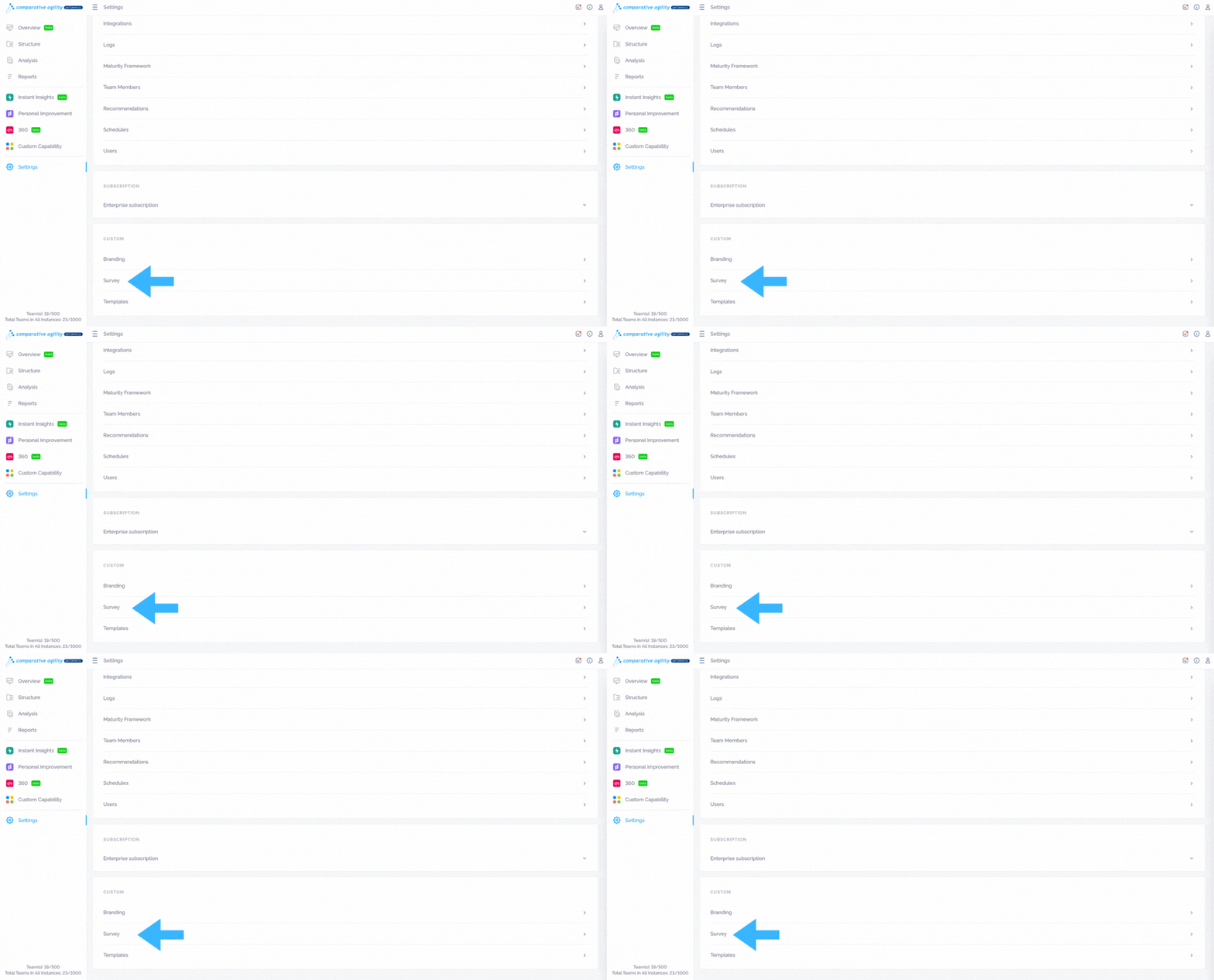
Users can customize survey designs in Comparative Agility to personalize the visual appearance and branding of their surveys. Here is where you can add your company logo, change the colors of fonts or the background, or select a survey mode or format.
To learn more about survey layout, please visit our Help Center article Customize your Surveys.
The screenshot below shows you where to find the survey section
Templates
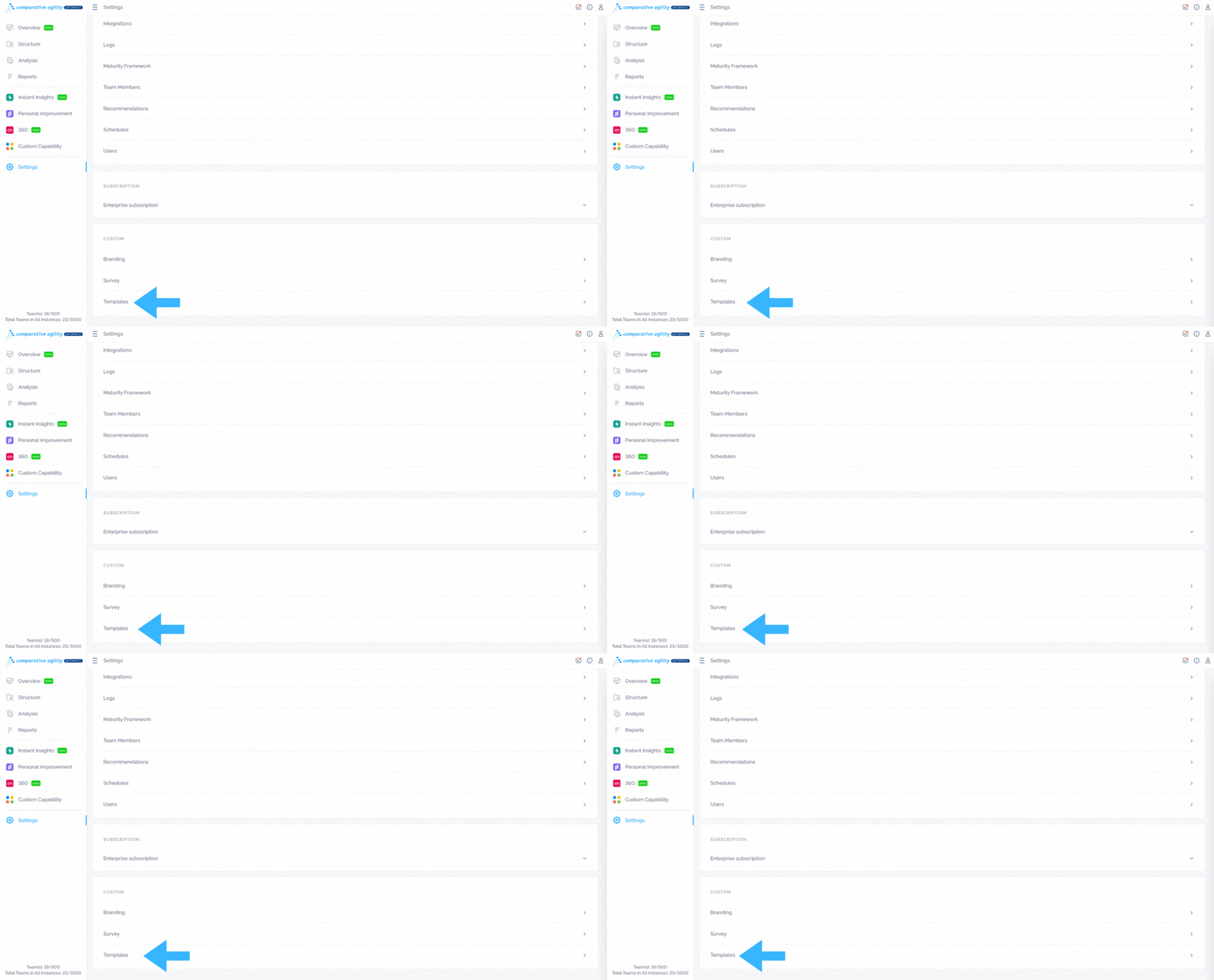
For enhanced customization, Comparative Agility offers options to edit email templates. Users can personalize email templates that get sent to participants, tailoring them to match their organization’s communication style.
To learn more about email templates, please visit our Help Center article Custom Email Templates.
In the screenshot below we show you where to find templates
Note: Depending on the user’s role, options within the Settings menu may vary.
If you ever need any assistance or have any questions please reach out to our support team at support@comparativeagility.com and we will be more than happy to assist you.